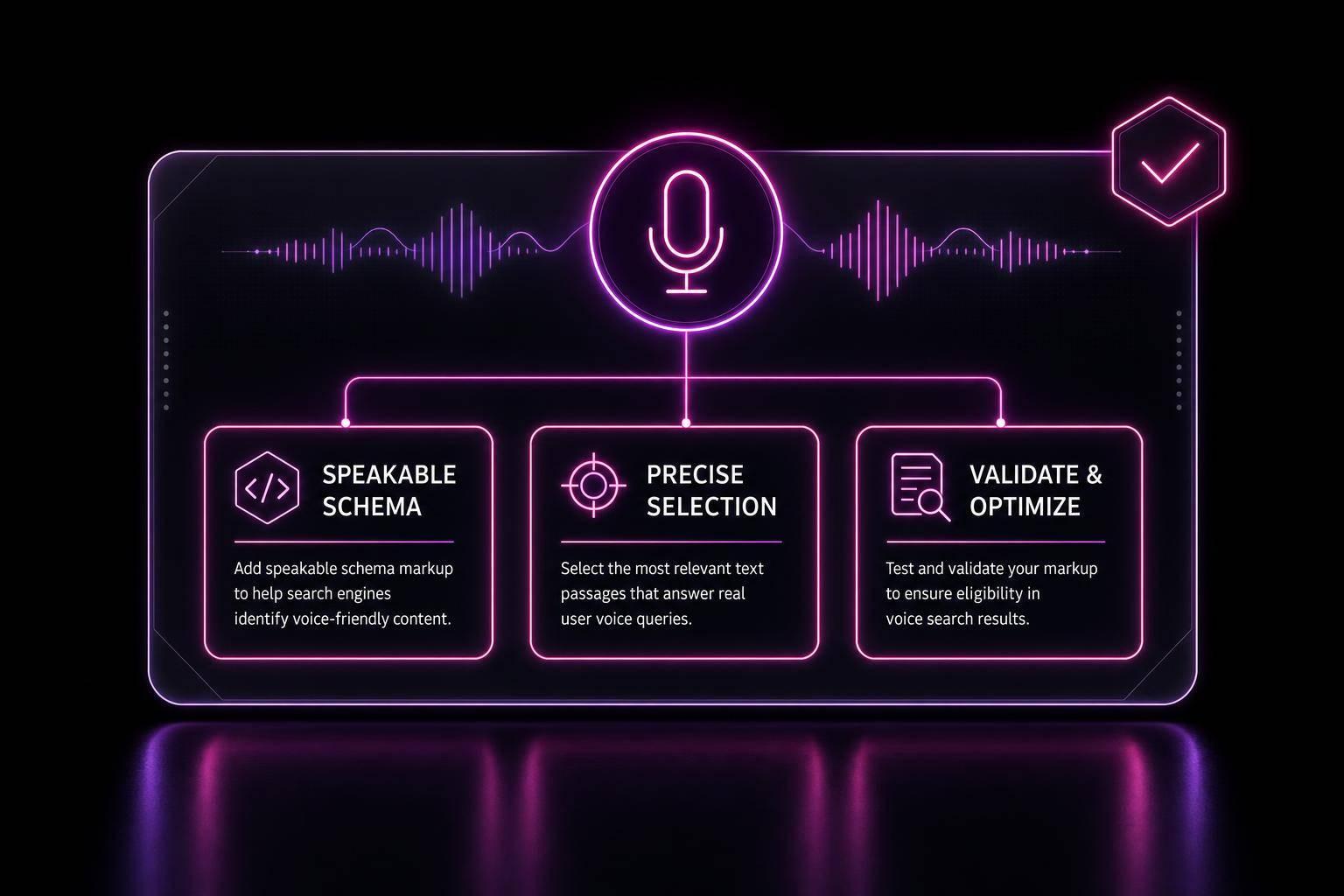
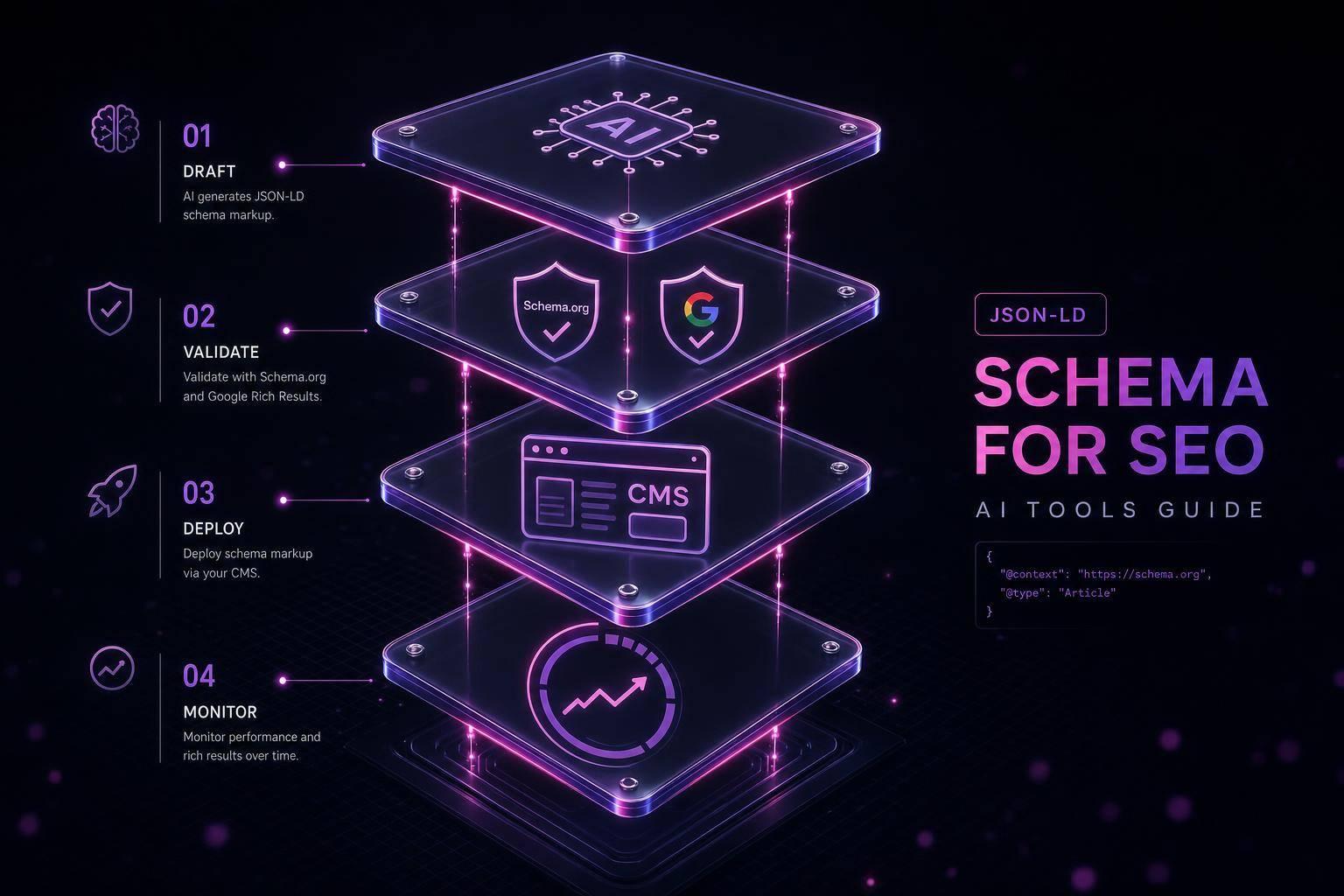
Google ended FAQ rich results on May 7, 2026 - but FAQ schema still has a job. If I use FAQPage markup the right way, it can still help Google and AI systems read my questions and answers, sort page intent, and pull clean text for AI-driven search features.
Here’s the short version:
- The old FAQ accordion in Google Search is gone
FAQPageschema is still valid- Valid code alone is not enough
- The markup must match the visible page text
- FAQ schema works best on pages built around multiple Q&As
- Bad setup can lead Google to ignore the markup
- The fix is simple: audit the page, generate clean JSON-LD, and check it at scale
A few points matter most:
- Google removed the FAQ rich result display for most sites in 2026
FAQPagestill helps machines read page structure- Hidden text, weak answers, wrong schema types, and mismatched wording are common failure points
- Server-side JSON-LD is safer because crawlers can read it in raw HTML
- For teams on WordPress, Shopify, and Webflow, the main goal is clean markup tied to visible content
If I had to sum up the whole article in one line, it would be this: FAQ schema is no longer about getting a bigger blue-link result - it’s about making page answers easier for Google and AI systems to process.
FAQ Schema is NOT DEAD - This is what happening
sbb-itb-f4b2e1b
Quick comparison
| Topic | What changed | What still matters |
|---|---|---|
| FAQ rich results | Removed by Google on May 7, 2026 | No old accordion result |
FAQPage schema |
Still supported as structured data | Helps search engines read Q&A content |
| Validation | Syntax checks only | Google may still ignore eligible-looking code |
| Best use case | Not blog posts with a small FAQ block | Pages mainly built around multiple FAQs |
| Setup | Manual coding can cause errors | Clean JSON-LD that matches on-page text |
So if you’re wondering whether FAQ schema is still worth using, my answer is yes - but for structure, not for the old SERP feature.
How FAQ Schema Supports Rich Results and Search Understanding
What FAQPage JSON-LD Tells Google About a Page
FAQPage JSON-LD labels a page's questions and answers in a machine-readable format. It tells Google that the page is a FAQPage, then connects each Question in mainEntity to its acceptedAnswer.
The key part: the markup needs to match the visible page exactly. If the structured data says one thing and the page shows another, that can hurt eligibility. When the markup lines up with the page, it cuts down on confusion and makes the answers easier for Google to pull out. That structure matters most when Google needs a clean answer fast.
Where FAQ Schema Still Helps After Rich Result Changes
FAQ schema still helps Google classify Q&A content. Even after rich result changes, it can support citation in Google AI Overviews. It may also help with People Also Ask, featured snippets, and voice results. On a basic level, it gives Google a clearer read on what the page covers.
There’s a catch, though. This only helps when the markup is accurate and free of conflicts. It also needs to be used on the right type of page. If the code is invalid or the page isn’t a fit for FAQ markup, the signal gets a lot less useful.
Common FAQ Schema Problems That Block Results
Even valid FAQ schema can fail if the page type, answer text, or delivery method doesn't line up with Google's rules.
Applying FAQ Schema to the Wrong Type of Page
The biggest mistake is putting FAQ schema on the wrong kind of page. Use FAQPage only when the page is built around multiple questions and answers.
If you add FAQ markup to a blog post just because it has a few questions at the bottom, or to a product page to grab extra visibility, Google will likely ignore it. The same goes for single-question pages. They're usually weak picks. Stick with multiple, original Q&As that are clearly the main point of the page.
Missing Properties, Wrong Schema Types, and Markup Conflicts
Even if the page type is right, incomplete or mismatched markup can still stop eligibility without much warning.
Use acceptedAnswer, not suggestedAnswer. Make sure the schema text matches the on-page wording exactly. Thin answers often get ignored, and it's smart to leave out forms, CTAs, and promo language in the answer text. [4][2][7]
Valid JSON-LD vs. Google Eligibility
Code that passes validation still isn't guaranteed to qualify.
Syntax validation checks whether the JSON-LD is written correctly. Google eligibility is a different test. It looks at the page type, whether the content is visible, and whether the page fits Google's rules. So yes, a page can have clean JSON-LD and still miss out if the answers are hidden or the schema text doesn't match what's rendered. You can add schema markup to WordPress or other CMS platforms server-side so crawlers can read it in the raw HTML. [6][2]
How to Fix FAQ Schema Issues with a Clear Workflow
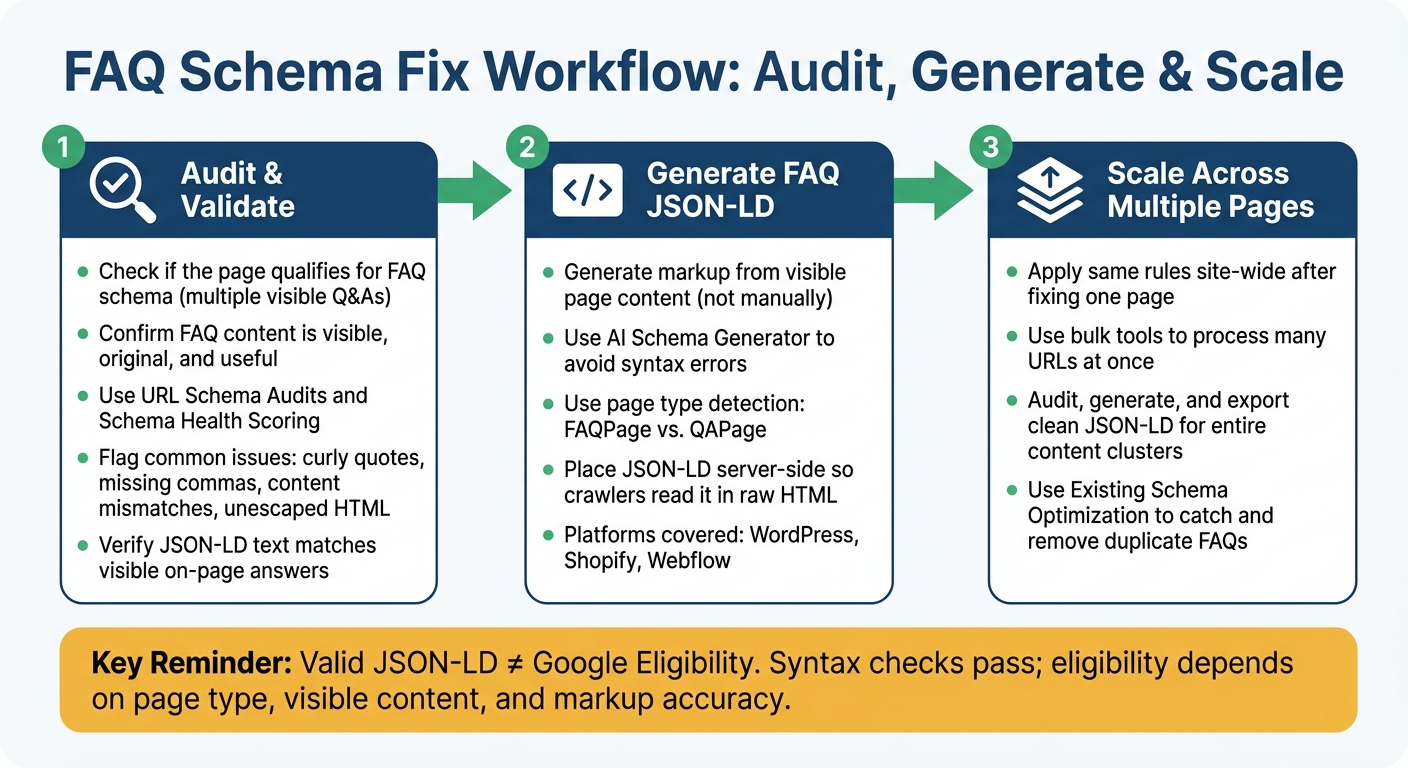
FAQ Schema Fix Workflow: Audit, Generate & Scale
Fix FAQ schema in three steps: audit, generate, and scale cleanly. Start with the live page, not the code.
Audit and Validate FAQ Markup Before Publishing
Before you generate any markup, understand schema markup for beginners and make sure the page should have FAQ schema in the first place. The FAQ needs to be visible on the page, useful to readers, and not copied from somewhere else. If the content is weak or off-topic, fix that first. Then move to the markup.
Use URL Schema Audits and Schema Health Scoring to spot broken or missing FAQPage markup. Common trouble spots include:
- Curly quotes
- Missing commas
- Content mismatches
- Unescaped HTML
Also check that the markup matches the visible answers on the page. If the page says one thing and the JSON-LD says another, that's a problem.
Generate FAQ JSON-LD Without Manual Coding
Once the page content is in good shape, generate the JSON-LD from that same content. Schema Validator AI's AI Schema Generator builds FAQ markup from visible page content, which helps avoid syntax mistakes and mismatched property names.
The platform also includes page type detection. So if a page is a community Q&A thread instead of a standard FAQ, the tool can flag it for QAPage rather than FAQPage.
The guides also show where to place the JSON-LD in:
- WordPress
- Shopify
- Webflow
Scale Clean Implementation Across Multiple Pages
After you clean up one page, use the same rules across the rest of the site. One page is easy. A large batch of pages is where things usually start to drift.
Schema Validator AI's bulk tools let you process many URLs at once, so you can audit, generate, and export clean JSON-LD for an entire content cluster without doing the same manual work again and again.
Use Existing Schema Optimization to catch duplicated FAQs across service pages and rewrite or remove them instead of repeating the same content across the site. [1]
Conclusion: Use FAQ Schema for Clarity, Not Outdated SERP Promises
After the setup and troubleshooting steps above, the main point is pretty simple: Google removed FAQ rich results on May 7, 2026 [3][5]. But FAQPage schema still gives search engines and AI systems a clear way to read and interpret Q&A content.
That still matters. If your FAQ schema is valid, it can help your content show up more clearly in AI-driven results. For small businesses, that extra clarity can make a difference.
The rule here is straightforward: keep the questions relevant, make the answers complete, and make sure the markup matches what people can see on the page. If the setup is sloppy, the upside drops fast.
Use Schema Validator AI to audit, validate, and generate clean FAQ JSON-LD from your page content. The goal isn't old SERP hype. It's clear, machine-readable structure that helps systems understand your page.
FAQs
Is FAQ schema still worth using in 2026?
Yes. FAQ schema is still worth using in 2026, but the job it does has changed.
As of May 7, 2026, Google removed FAQ rich results and is phasing out related reporting tools. So if you’re using FAQ schema to chase extra visual space in search, that play is pretty much over.
That said, FAQPage structured data still matters. Now, it’s less about flashy search features and more about helping AI systems extract, parse, and verify what’s on the page. Put simply: it gives machines cleaner signals about your questions and answers.
If you want to check your markup, tools like Schema Validator AI can help audit your JSON-LD and validate compatibility.
When should I use FAQPage instead of QAPage?
Use FAQPage when the page is a publisher-written resource and each question has one clear answer.
Use QAPage for community-driven pages, like help forums or Stack Overflow-style threads, where people can post more than one answer to the same question.
Schema Validator AI can check your JSON-LD so you pick the right schema type and avoid common setup mistakes.
Why would Google ignore valid FAQ schema?
Since May 2026, Google has mostly stopped showing FAQ rich results for most websites. So even if your schema is valid, Google may ignore it on purpose. That doesn’t always mean something is broken.
Google can also skip FAQ markup when it doesn’t line up with the content people can see on the page, uses the wrong schema type or structure, or appears on pages Google sees as low quality or too promotional.